Admin
Admin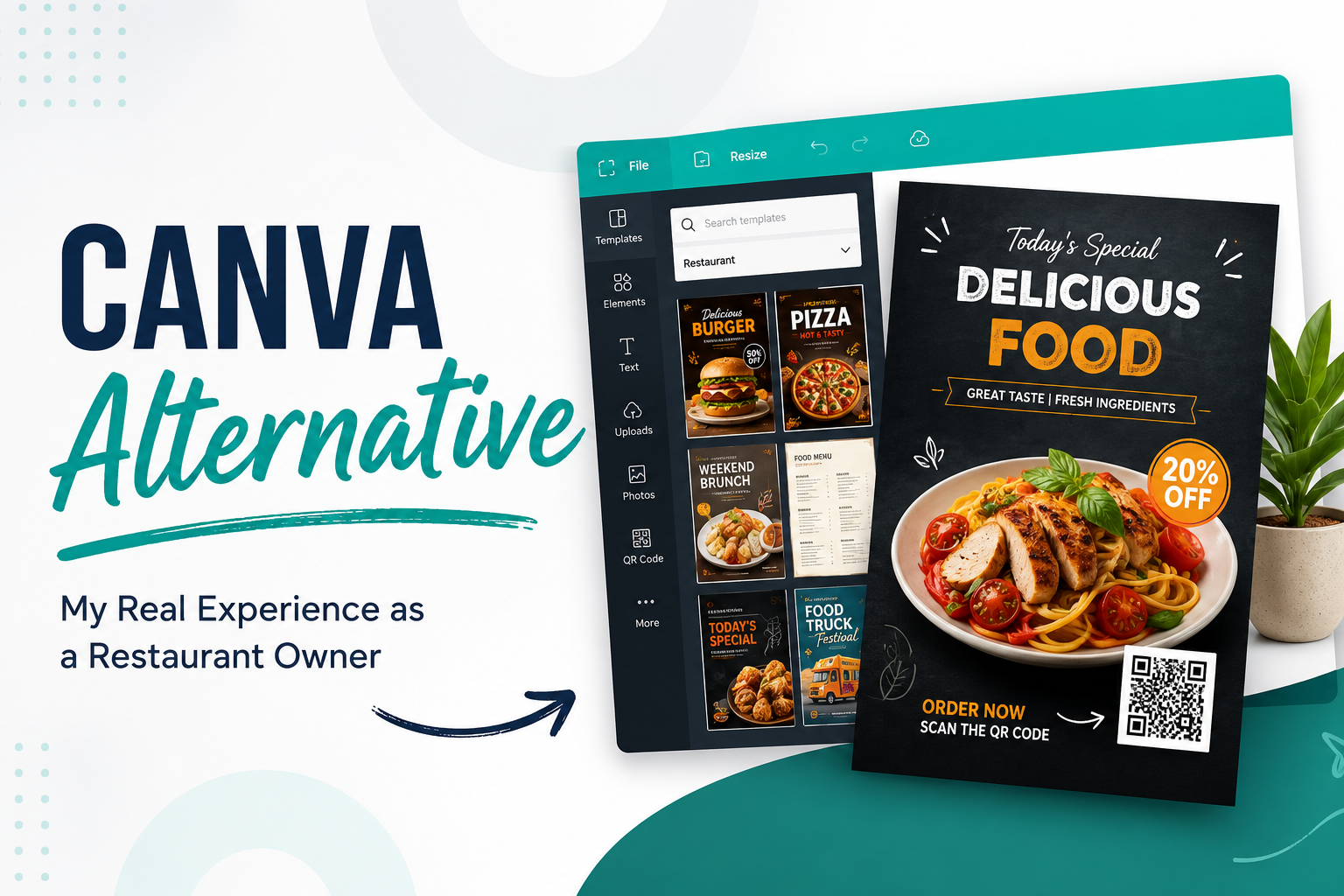
For the last few days, I spent my free time testing different design platforms because I wanted to find a practical Canva alternative that actually fit the way I work.
I’m not a graphic designer.
I own a restaurant, and most of the marketing materials I create are things like flyers, menu promotions, food offers, seasonal discounts, and social media posts. I don’t enjoy spending hours learning complicated design software. I simply need something that helps me create professional-looking marketing materials without making design feel like a second job.
Like many business owners, Canva was one of the first platforms I tried. I also spent time testing Adobe Express, DesignWiz, PosterMyWall, Venngage, Visme, Design.com, Piktochart, MyCreativeShop, and Placeit.
Each platform had something I liked.
Each platform also had something that slowed me down.
By the end of my testing, I realized I wasn’t actually looking for the platform with the most features. I was looking for the one that helped me finish my work with the least amount of effort.
This article isn’t a ranking.
It isn’t an affiliate-style review either.
It’s simply my personal experience after trying multiple Canva alternatives and designing an actual restaurant flyer.
—
Why I Started Looking for a Canva Alternative
Canva is popular for a reason.
When I first started using it, I understood why so many people recommend it. The interface is clean, there are thousands of templates, and it’s easy to start designing without installing anything.
But after browsing template after template, I kept noticing something.
Many designs looked familiar.
Not because Canva’s templates were bad—they weren’t—but because I had already seen similar designs used by restaurants, cafés, local shops, and small businesses online.
That made me wonder if there was another Canva alternative that could help me create something that didn’t immediately look like a template I’d seen somewhere else.
I also wanted to see if another platform could reduce the amount of editing I usually had to do after choosing a template.
That curiosity is what started this testing process.
—
Tools I Tested
Over several days, I tested these platforms:
- Canva
- Adobe Express
- DesignWiz
- PosterMyWall
- Venngage
- Visme
- Design.com
- Piktochart
- MyCreativeShop
- Placeit
I wasn’t trying to declare one winner.
Instead, I wanted to understand which tool matched the way I actually work as a restaurant owner.
That meant looking at things like:
- Template variety
- Ease of editing
- Learning curve
- Restaurant-related templates
- Overall experience while creating a flyer
—
What I Liked and Didn’t Like About Each Tool
Canva
Canva was naturally the first platform I spent time with.
I liked how quickly I could open a template and start editing.
The interface felt polished, and almost every button was where I expected it to be.
I also appreciated how much flexibility Canva gives when customizing colors, fonts, images, and layouts.
This is where I struggled, though.
After browsing many templates, I started feeling that quite a few designs looked familiar because I’ve seen similar layouts used by many businesses.
That’s not really Canva’s fault.
When millions of people use the same platform, popular templates naturally become common.
In my experience, Canva worked very well if I wanted complete control over the design.
I just found myself spending more time deciding what to change.
—
Adobe Express
Adobe Express also felt like a capable platform.
The editing experience was smooth, and I could tell it was built by a company with a long background in creative software.
At the same time, I personally didn’t feel it solved the problem that made me search for a Canva alternative in the first place.
I still found myself doing quite a bit of customization before I was happy with the final design.
That doesn’t make it a bad tool.
It simply wasn’t enough of a change for my own workflow.
—
PosterMyWall
PosterMyWall offered plenty of marketing-focused templates.
I could see why many people recommend it.
Still, I personally felt it would be easier to use if someone already had at least a little design experience.
As someone who prefers straightforward editing, I occasionally had to spend extra time figuring out how I wanted the final layout to look.
—
Venngage
Venngage gave me the impression that it was built for users who enjoy working with visual layouts.
I liked the quality of many designs.
But I also noticed that I wasn’t moving through the editing process as quickly as I hoped.
For my restaurant marketing needs, it felt like there was a bit more of a learning curve than I wanted.
—
Visme
Visme had a similar feeling.
I could see that it offered many creative possibilities, and I understood why people use it for visual projects.
Personally, though, I was searching for something simpler.
I wasn’t looking to explore every design feature.
I just wanted to create a flyer and move on to running my business.
—
Design.com
Design.com also caught my attention during testing.
It included useful design resources, but I found myself spending time learning the workflow before making meaningful progress.
For someone comfortable with design software, that may not be an issue.
For me, it slowed things down.
—
Piktochart
Piktochart was another platform I explored.
After spending some time with it, I personally felt it wasn’t the easiest fit for the type of restaurant flyer I wanted to create.
That doesn’t mean it lacks value.
It simply wasn’t the direction I wanted to go for this project.
—
MyCreativeShop
I also tested MyCreativeShop.
It offered marketing materials across different categories, but my overall experience was similar to a few of the other platforms.
I felt I needed a bit more familiarity with the editor before I could work comfortably.
—
Placeit
Placeit rounded out my testing.
Like the other platforms, it had its own strengths.
But by this point I had become very clear about what I actually wanted:
Less learning.
Less tweaking.
More time finishing the design.
—
Why I Decided to Try DesignWiz
I didn’t discover DesignWiz through an advertisement.
I was searching Google for a Canva alternative that would be suitable for someone running a small business with no professional design background.
DesignWiz appeared in multiple recommendations.
After seeing it mentioned more than once, I became curious enough to test it myself.
Since I own a restaurant, I immediately searched for restaurant-related templates.
This was the part I wanted to evaluate first because my business is where I would actually use the platform.
—
My Experience Designing a Restaurant Flyer
The first thing I noticed was the variety of restaurant-related templates.
I wasn’t just seeing generic business flyers.
I found templates for:
- Restaurant promotions
- Food businesses
- Food trucks
- Cafés
- Menus
- Posters
- Flyers
That immediately felt more relevant to what I needed.
Instead of trying to adapt a general business template into something restaurant-specific, I could begin with a design that already matched my business.
I selected one flyer template that looked close to what I had in mind.
From there, I started customizing it.
I changed the text first because that usually takes the longest.
Next, I adjusted the colors so they better matched what I wanted.
I also added a QR code.
Those were the main changes I needed.
I wasn’t trying to redesign the template from scratch.
I simply wanted something that represented my restaurant without spending an entire afternoon editing.
This made my work easier.
Instead of constantly wondering what should go where, I spent more time refining the message.
That felt like a better use of my time.
—
How Long It Took
I finished my restaurant flyer in less than 30 minutes.
That was honestly one of the biggest things I noticed during this entire experiment.
I’m not saying every project will take that amount of time.
A more detailed design would probably require additional editing.
But for the flyer I wanted to create, the process moved faster than I expected.
For a busy restaurant owner, saving time matters.
Running a business already involves enough daily decisions.
I don’t want designing one promotional flyer to become another complicated task.
—
What Surprised Me
One thing I wasn’t expecting was how many restaurant marketing materials I found in one place.
I originally opened DesignWiz just to create a flyer.
While exploring, I also noticed templates for:
- Menus
- Logos
- Posters
- Other restaurant marketing materials
That gave me ideas for future projects.
Another thing I noticed was the difference in how the platforms approached the design process.
In my experience, Canva mainly provided the design framework.
DesignWiz, on the other hand, also included marketing-focused content suggestions that helped me move through the design more quickly.
That doesn’t mean one approach is right and the other is wrong.
They’re simply different.
Personally, I found the marketing-oriented suggestions useful because they reduced the amount of thinking required before finishing the flyer.
As someone balancing restaurant operations with marketing, that was something I appreciated.
—
Canva vs DesignWiz (Based Only on My Experience)
After using both platforms, I don’t think they’re trying to solve exactly the same problem.
Canva gave me flexibility.
If I wanted complete creative control and didn’t mind investing more time into customizing a template, it worked well.
DesignWiz felt more focused on helping me complete a marketing project.
I spent less time wondering what content to add and more time finishing the actual flyer.
That difference stood out to me.
I also noticed that Canva’s popularity naturally means many businesses use the same template styles.
That’s understandable given how widely it’s used.
DesignWiz felt different in my own workflow because I was able to move from template selection to a finished restaurant flyer fairly quickly.
Again, that’s simply my experience.
Someone with professional design skills might reach a different conclusion.
—
Who Should Use Canva
Based on my experience, Canva makes sense if you:
- Like having lots of creative control
- Enjoy customizing templates
- Already feel comfortable experimenting with layouts
- Create many different kinds of visual content
I still think Canva deserves its popularity.
I just realized it wasn’t the exact fit for what I personally wanted during this project.
Read more
- I Tested Multiple Canva Alternatives for My Restaurant Business: Here’s Why I Eventually Chose DesignWiz
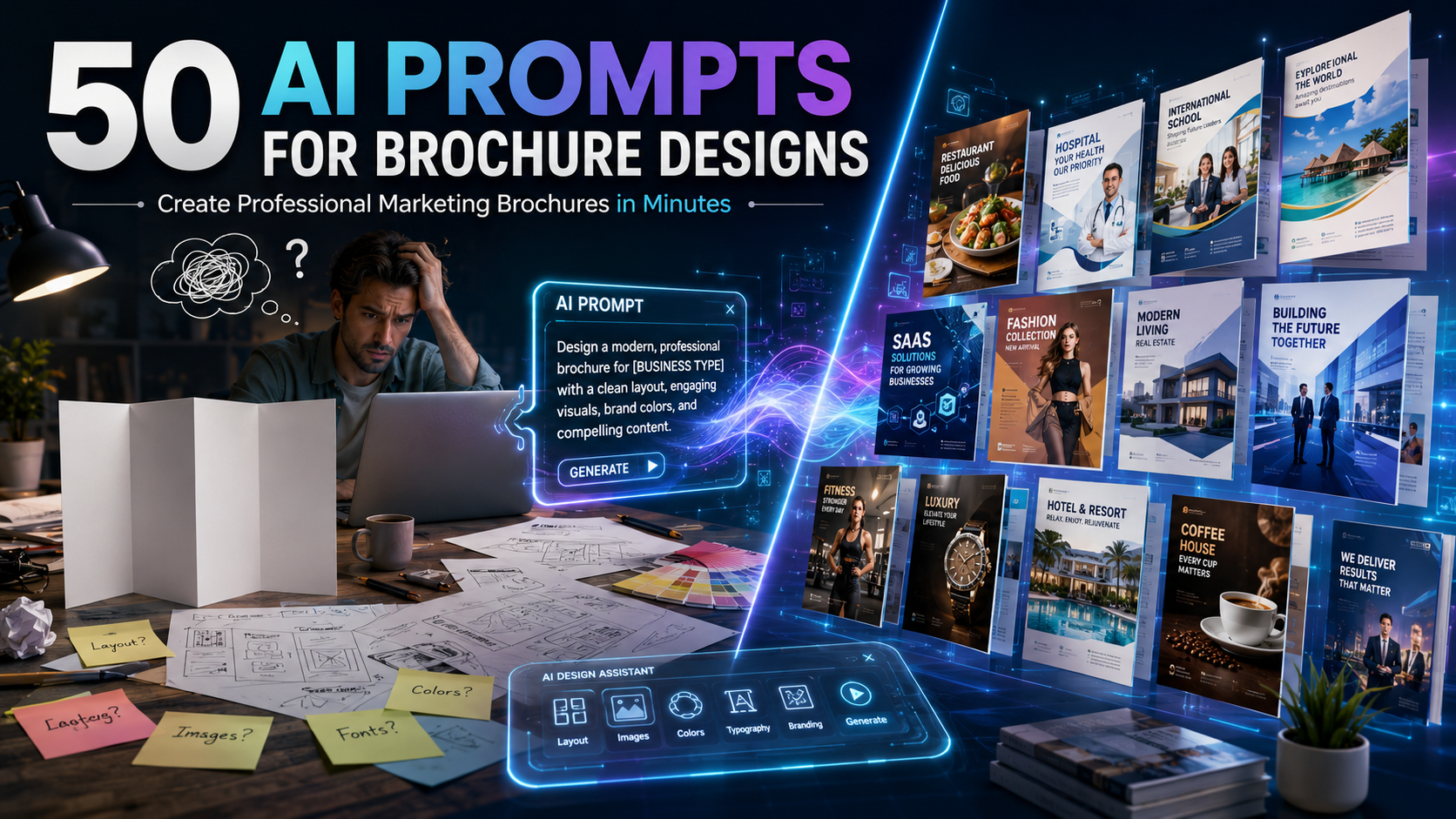
- 50 AI Brochure Prompts to Create Stunning Marketing Brochures in Minutes
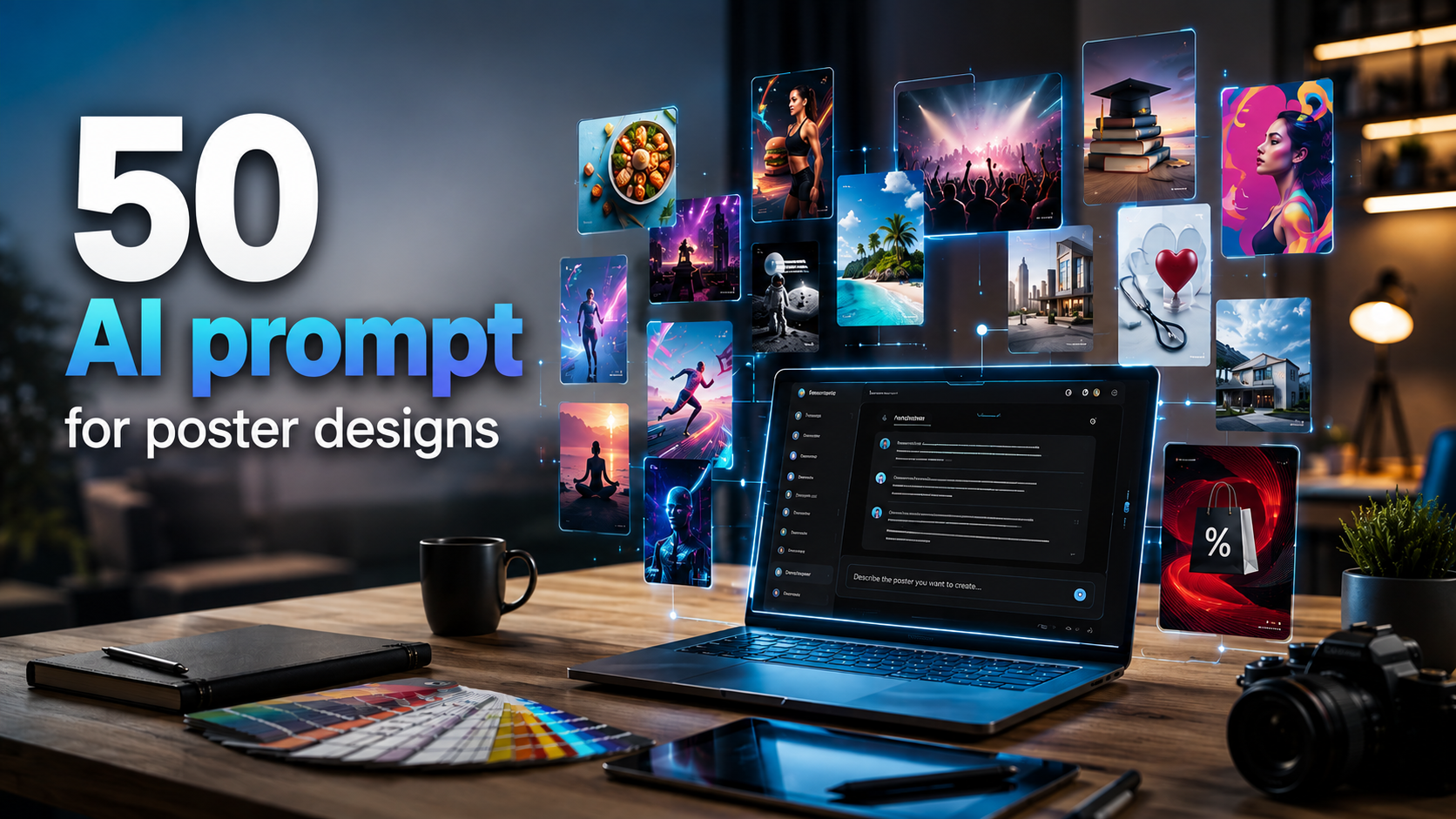
- 50 AI Poster Prompts to Create Professional Designs in Seconds
- 50+ ChatGPT Prompts for Professional Email Drafting
- 50+ Detailed ChatGPT Prompts for Flawless Photo Editing
—
Who Should Use DesignWiz
Based on my own testing, I think DesignWiz is worth considering if you:
- Own a small business
- Don’t have much design experience
- Want restaurant-specific templates
- Prefer finishing projects quickly
- Like having marketing-focused content suggestions alongside the design
That doesn’t automatically make it the right choice for everyone.
It simply matched the way I prefer to work.
—
Final Thoughts
I started this process expecting to find another Canva alternative with slightly different templates.
Instead, I ended up learning something more useful.
The platform with the most features isn’t always the one that saves the most time.
After testing Canva, Adobe Express, DesignWiz, PosterMyWall, Venngage, Visme, Design.com, Piktochart, MyCreativeShop, and Placeit, I realized my priorities were different from what I originally assumed.
I wasn’t searching for endless customization options.
I wanted to create marketing materials for my restaurant without feeling overwhelmed by design decisions.
Canva still impressed me in several areas. It’s easy to understand why so many people rely on it, and I think it’s an excellent option for people who enjoy building designs from a flexible framework.
The other platforms I tested each had strengths as well. Some offered attractive templates, while others provided more advanced editing capabilities. For me, though, many of them felt better suited to people who already had at least some design knowledge.
DesignWiz ended up fitting my own workflow because it aligned with how I approach marketing as a restaurant owner. I found restaurant-specific templates, customized a flyer by changing the text, colors, and QR code, and finished the project in less than 30 minutes. I also noticed templates for menus, logos, posters, and other restaurant marketing materials that I may use in future projects.
The biggest takeaway wasn’t that one tool was objectively better than another.
It was that different tools solve different problems.
If you’re searching for a Canva alternative, I’d encourage you to think about how you actually work before choosing one. If you enjoy designing and tweaking every detail, your choice may be very different from mine. If, like me, you mainly want to create practical marketing materials without spending hours editing, your experience may point you toward a different solution.
That’s why I wanted to share this experience—not as a recommendation for everyone, but as an honest record of what I tested, what I noticed, where I struggled, and what ultimately worked best for my own restaurant business.